
Best Home Watch Software for Small Business Owners
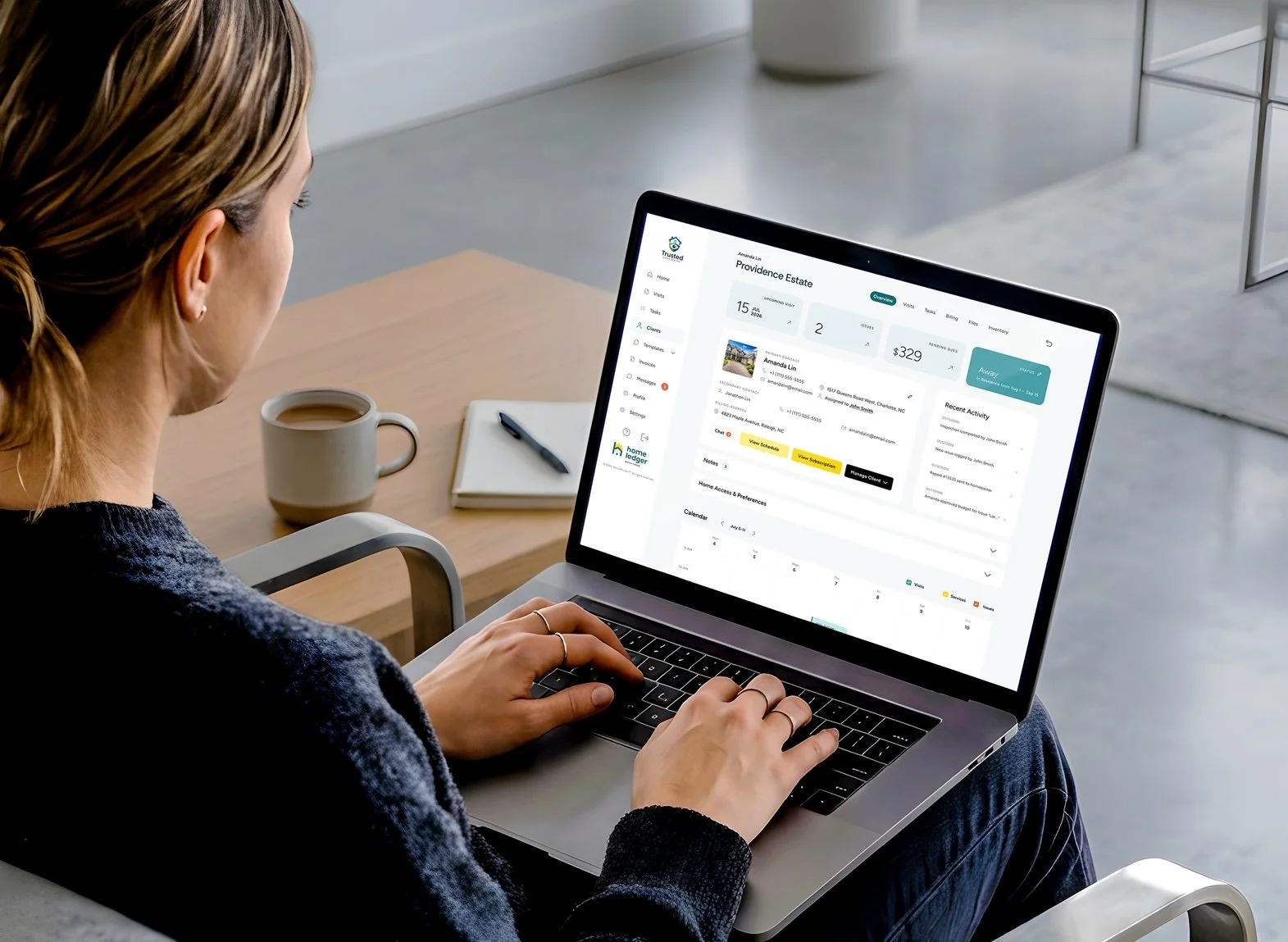
You finish the day's final visit, but the work is still spread across your phone: photos in the camera roll, notes in a message draft, tomorrow's appointments in a calendar, and an invoice waiting to be created.
For a small home watch business, software earns its place when it makes that work easier to finish and easier to find later. The best fit depends on your operation: the properties you serve, the people doing the visits, and the experience you want clients to have.
This guide explains what to evaluate and where HomeLedger WatchTower fits. It is a buying framework, not an independent ranking of competing products.
Start with a complete visit
Before comparing feature lists, write down your current process from scheduling through follow-up. Include the awkward parts: retyping notes, matching photographs to properties, reminding a colleague about an issue, or answering a client who cannot locate last week's report.
Then ask each software vendor to demonstrate that exact workflow. A polished dashboard matters less than whether your everyday work becomes simpler.
Six capabilities to evaluate
1. Scheduling tied to the property. You should be able to tell which homes need visits, who is responsible, and what information they need before arriving. If schedules change frequently, test that process during the demonstration.
2. A practical mobile inspection process. Try entering notes and attaching photos on the device you actually use. Ask what happens if reception drops and how unsent work is handled. Do not assume offline functionality is included.
3. Checklists that reflect different homes. A condominium and a detached seasonal home may need different observations. Evaluate how templates and property-specific instructions coexist without making the field experience cumbersome.
4. Clear client reports. Review the finished homeowner view, not just the operator's editing screen. Can a client quickly identify an issue and understand the requested next step?
5. Follow-up that remains visible. Discovering a problem starts another process. Test how you record responsibility, homeowner approval, contractor involvement, and the eventual outcome.
6. Billing connected to the work. If you charge for recurring visits and additional services, use both in your demonstration. Check how the software handles corrections and how a client sees the resulting invoice.
Where HomeLedger WatchTower fits
HomeLedger WatchTower offers reusable inspection templates, scheduling, technician assignments, photos and notes, issue tracking, client reports, and billing tools. Operators work on mobile, while managers use a web dashboard. Homeowners can access reports and updates through HomeLedger.
For an owner who currently assembles those records across several tools, that combination is a reason to include WatchTower in a demonstration shortlist.
WatchTower is also affiliated with the National Home Watch Association, a relevant industry connection for businesses evaluating purpose-built Home Watch tools.
Ask about the work of switching
The subscription is only part of the decision. Find out how you will bring over client records, property details, checklists, and historical reports. Ask who handles setup and what support is available when you begin using the system with clients.
Also ask about access permissions, account security, exporting records, and what happens to your data if you leave. Get answers for the current product rather than relying on a roadmap.
For cost comparisons, calculate the total for your actual team and expected use. Include required add-ons, onboarding charges, and any separate transaction fees that apply.
Use a realistic demo test
Schedule a demo to test scheduling a visit, completing a checklist, documenting a visible issue, reviewing the homeowner report, and recording the next action. Book a HomeLedger WatchTower demo and bring a representative workflow from your business. Choose the software your team can use consistently, from the first scheduled visit to the last follow-up.